
Washington State Agency
Provided expert guidance to make financial documents fully accessible.
Timeline: 4 months
Role: Accessibility consultant
Tools: Workiva, PAC Accessibility Checker, Stark, NVDA, Adobe Acrobat
Overview
This Washington State agency administers benefits for more than 330,000 current and former public employees. It publishes two financial reports on a yearly basis. By law, these documents must be accessible to users of all abilities so that they can review valuable financial information independently.
Role and Impact: As the accessibility consultant on a team specializing in financial reporting, I provided expert guidance on remediating PDFs to achieve full Web Content Accessibility Guidelines (WCAG) 2.2 compliance.
Problem Statement: We needed to ensure these financial reporting documents were accessible to all website users. We also needed to teach the agency how to fix the documents themselves, so they could continue the work beyond our engagement.


Why This Project Now? Background
According to the ADA Title II ruling, state-level government agencies must ensure all web content and mobile apps meet WCAG 2.1 AA compliance by April 2027. The WCAG guidelines offer a robust framework for making content accessible to all individuals with disabilities, accounting for situations such as color contrast for users with low sight, those using a keyboard rather than a mouse, or those using screen readers.
In practice, the ruling means that all PDFs on agency websites must meet WCAG 2.1 AA compliance–a massive (but vital) undertaking.
Making these PDFs accessible involves checking and fixing the internal structure of the documents as well as adding additional information to figures, charts and tables, and more.
The agency I was working with decided to voluntarily pursue WCAG 2.2 AA compliance as opposed to 2.1 AA.
Adapting, Checking, Fixing, Teaching
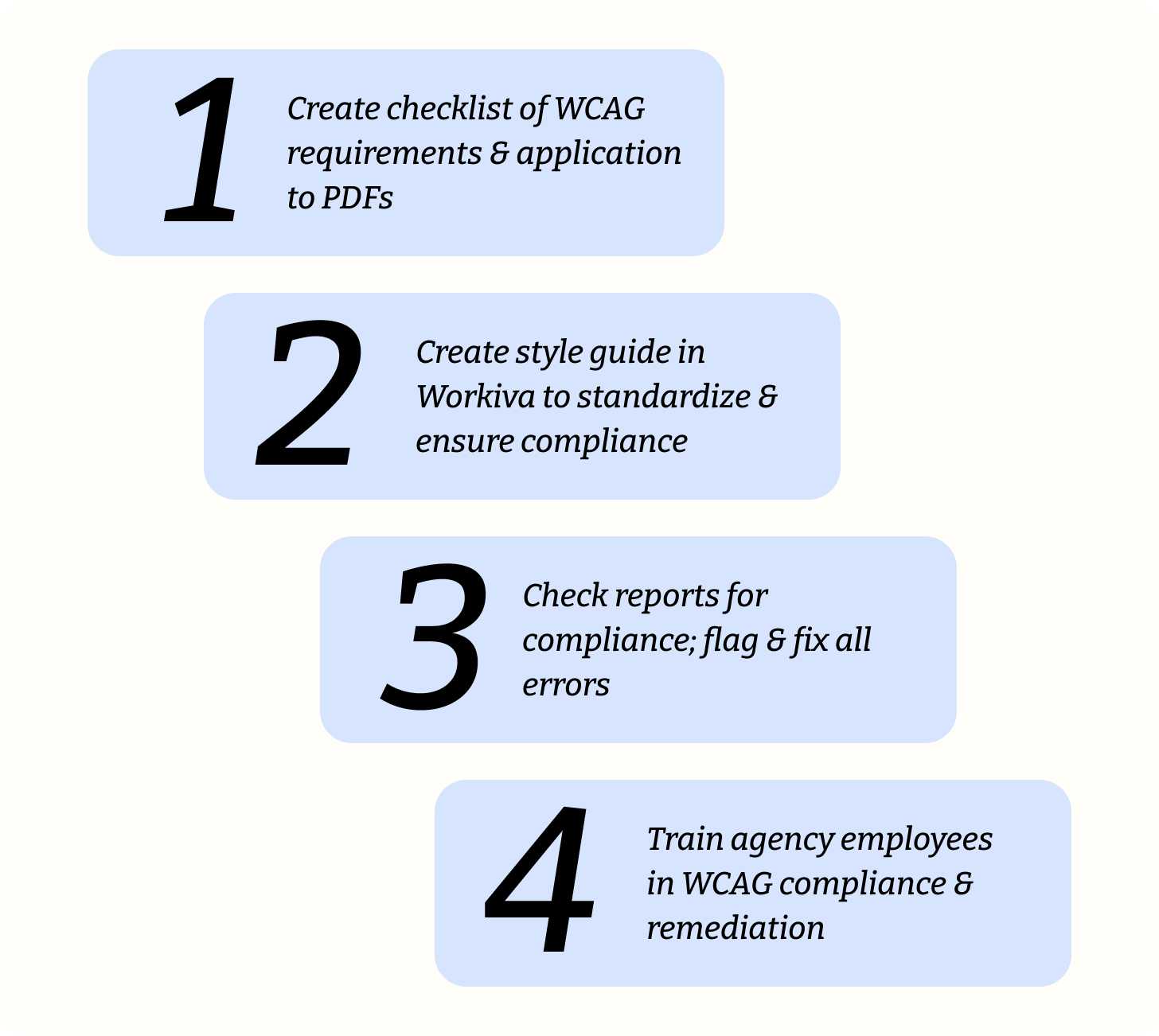
We created a checklist for agency employees that walks them through WCAG 2.2 requirements for PDFs. The guide includes success criteria, requirement summary, whether it applies to the PDFs, and how it applies. We also met with agency employees to walk them through the checklist and familiarize them with document remediation practices.
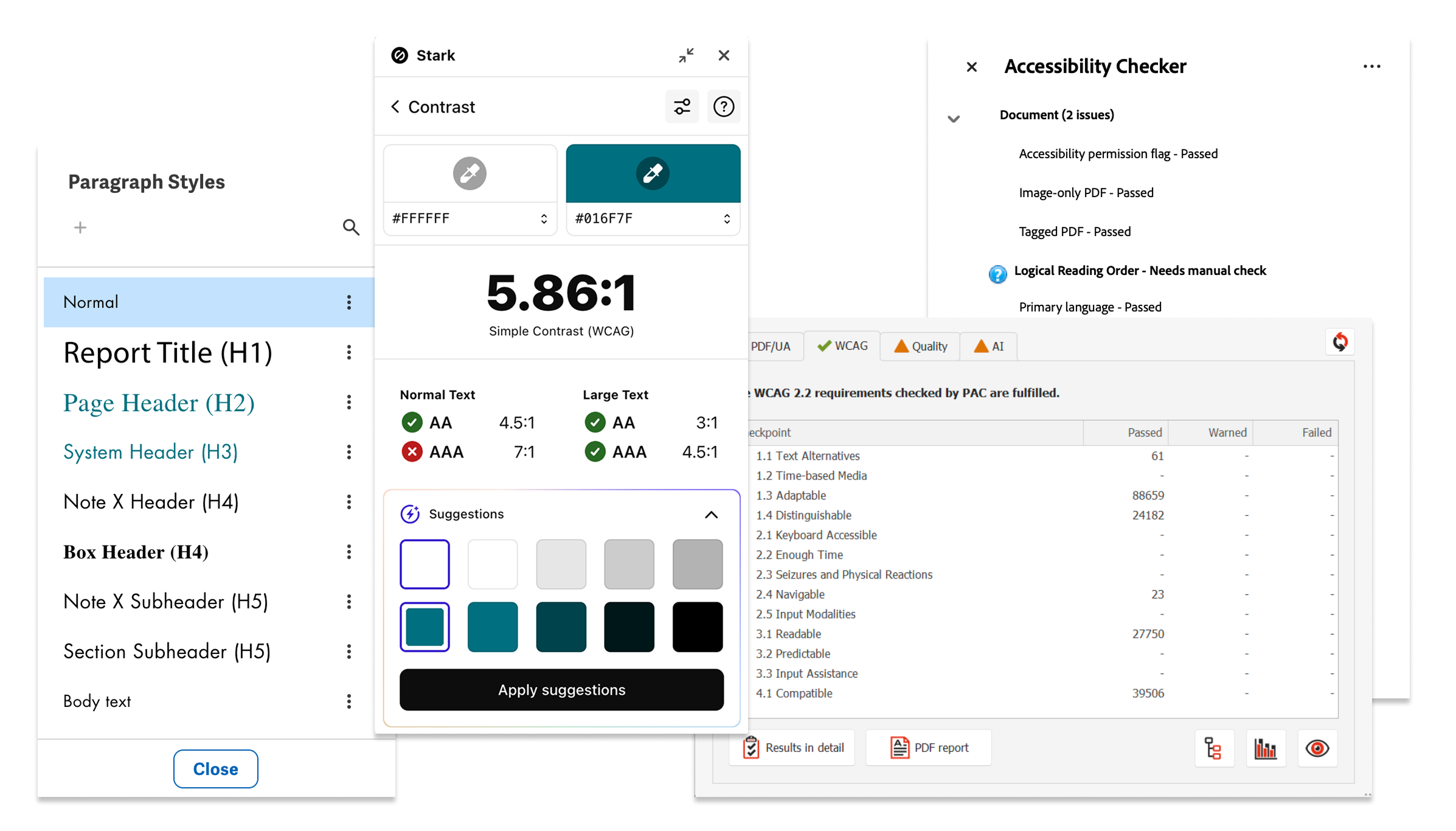
Once the team members in charge of Workiva configuration had finished a style guide to standardize compliance, I checked the reports for accessibility. I exported the files from Workiva and ran them through PAC, Adobe Acrobat’s accessibility tool, and Stark’s color contrast checker before reading the documents with NVDA’s screen reader. All items flagged as failing compliance were then fixed by the team members in charge of Workiva implementation.
Throughout our engagement, we made how-to guides and videos and hosted weekly trainings to teach agency employees how to do the work on their own. I provided training on how to check color contrast and use a screen reader.
Setbacks
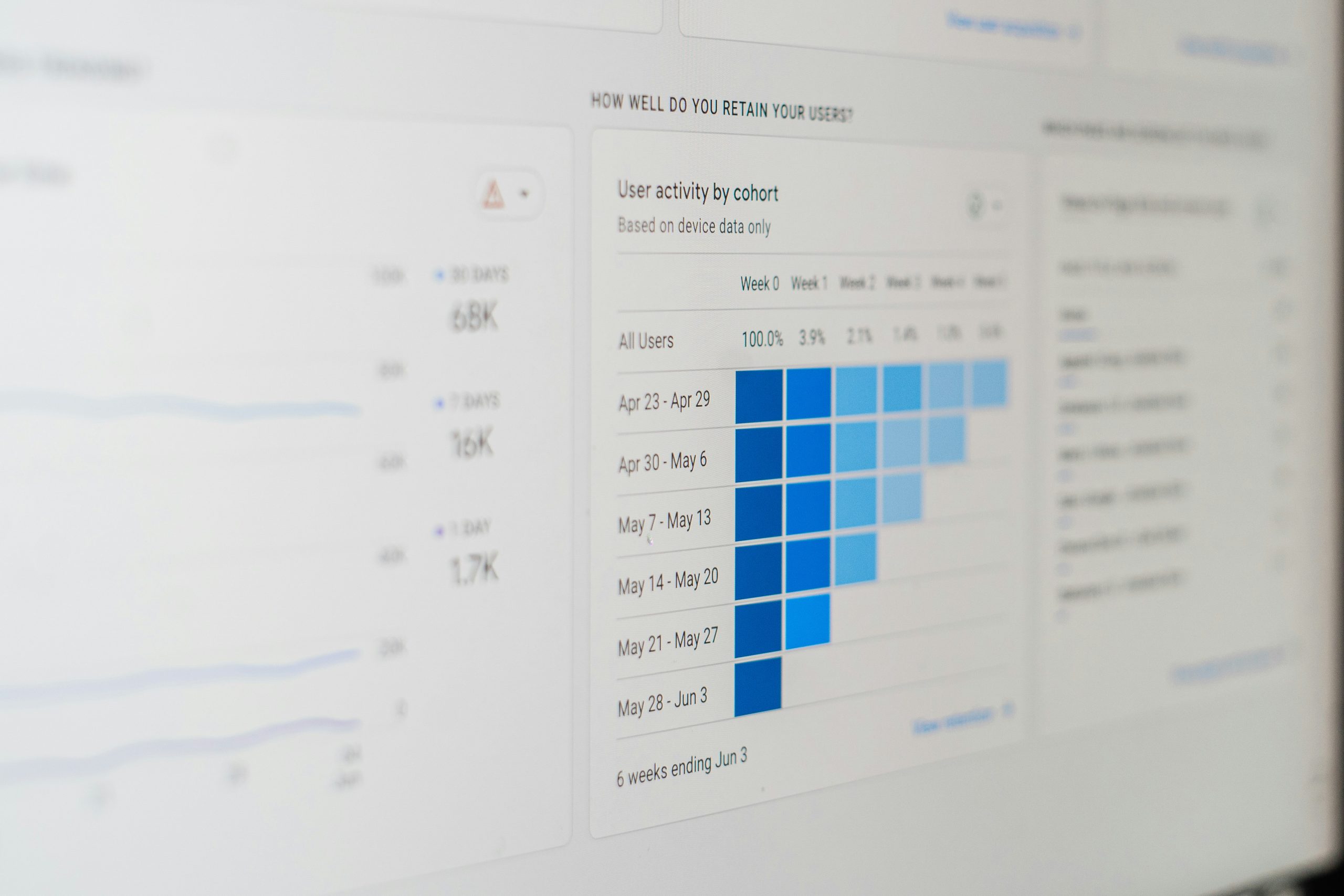
One of the major challenges of remediating documents is how to make complex images (charts) accessible. To meet the needs of different users, WCAG requires adding a two-part text alternative: a short caption and a linked longer version that captures the same information sited users can perceive.
At first the client was resistant to our suggested short and long-form captions. They felt these captions repeated information written on the page and in alt text. Captions and alt text address different use cases, but we could see why these solutions were not ideal. On top of that, adding captions to the images on the same page would throw off the formatting of the whole document. We ultimately included an appendix with the long-form descriptions.
Another challenge concerned independent auditors’ reports that displayed as images at the beginning of the documents. We thought through several ways to make the reports accessible, including adding lengthy alt text (too long for screen readers) or performing optical character recognition (OCR), but ultimately, the agency requested new versions of the reports that could be appended to the PDF and read by a screen reader.
Impact and Reflection
This project not only brought these government reports into compliance with ADA Title II, but taught state employees how to do the vital work on their own so that all of their documents can achieve compliance. Making these websites and documents accessible is crucial to giving all users access to the same information in a way that meets their needs.
Incorporating these fixes in published documents underscored the importance of building accessibility into the process from the start, since doing so would have made them available to everyone from initial publication. The fact is that retroactive fixes to meet Title II are just not as effective or efficient as designing with everyone's differing abilities in mind. The good news is that publication processes will now have to incorporate accessibility to avoid unnecessary rework later.
